




There’s a big difference between automating a server deployment and automating a ticket handoff. Yet the tools for both tend to all get lumped together as IT automation software. The result is a category full of products that look comparable on paper but do very different jobs in practice.
We’ve picked six IT automation tools worth considering and grouped them by what they’re built for so you can focus on the options that make sense for your IT stack.
The 4 categories of IT automation software
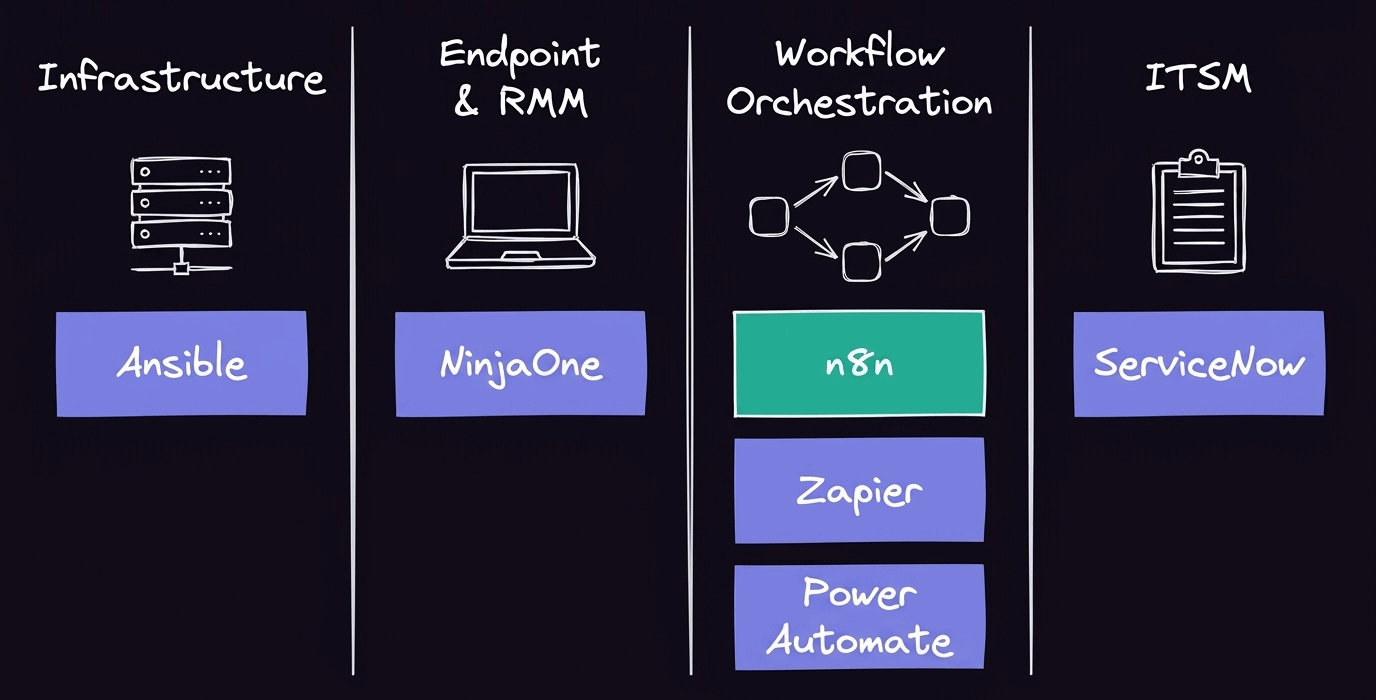
In information technology, automation is what lets repeatable processes run with minimal human intervention. Most IT process automation software falls into four categories, depending on what you need to automate:
- Infrastructure and configuration management automates provisioning, configuration, deployment, and other work involved in keeping infrastructure in a desired state.
- Endpoint and remote monitoring (RMM) helps IT teams monitor and manage devices remotely for routine maintenance and updates.
- Workflow and integration orchestration connects apps, APIs, and systems so processes and data can move between them automatically. It overlaps with low-code automation and RPA but typically puts more emphasis on coordinating work across systems.
- IT service management (ITSM) automates service workflows like incident handling, requests, approvals, and ticket routing.
While the categories overlap in places, they’re not interchangeable. Knowing which part of your IT environment you’re trying to automate makes it easier to narrow down the tools that might work for you.
The top IT automation software tools
The best solution depends on what you’re trying to automate. Since a platform built to manage endpoints isn’t a substitute for one built to orchestrate workflows across your stack, we’ve grouped these IT automation tools by category.
Workflow and integration orchestration
n8n
n8n is a development and orchestration platform built for technical teams that need to automate work across apps, APIs, databases, and internal systems. Its visual workflow builder handles the orchestration, while the Code node lets you drop into JavaScript or Python when the logic calls for it.
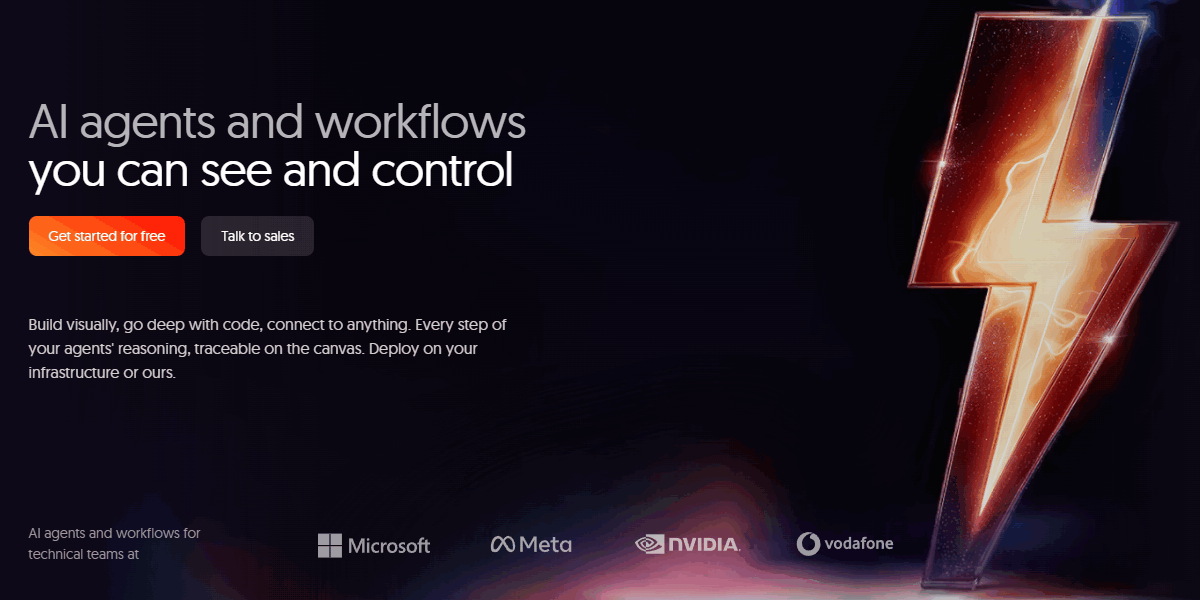
That flexibility comes in especially handy when your IT stack extends beyond off-the-shelf integrations. You can use the HTTP Request node to work with APIs directly, run custom code, or connect n8n to tools elsewhere in your infrastructure. For AI-driven automation, the AI Agent node lets you build agents that can use tools and take actions within a workflow.
You have the option to self-host n8n if you need control over where your workflows and data run. For larger deployments, queue mode distributes executions across workers, while features like SSO, RBAC, and audit logging on paid plans add the controls needed to manage automation across teams.
n8n is much more than a drag-and-drop platform for nontechnical users. If you have engineering teams who want to build visually but go deep with code, it might be a good fit for you.
Zapier
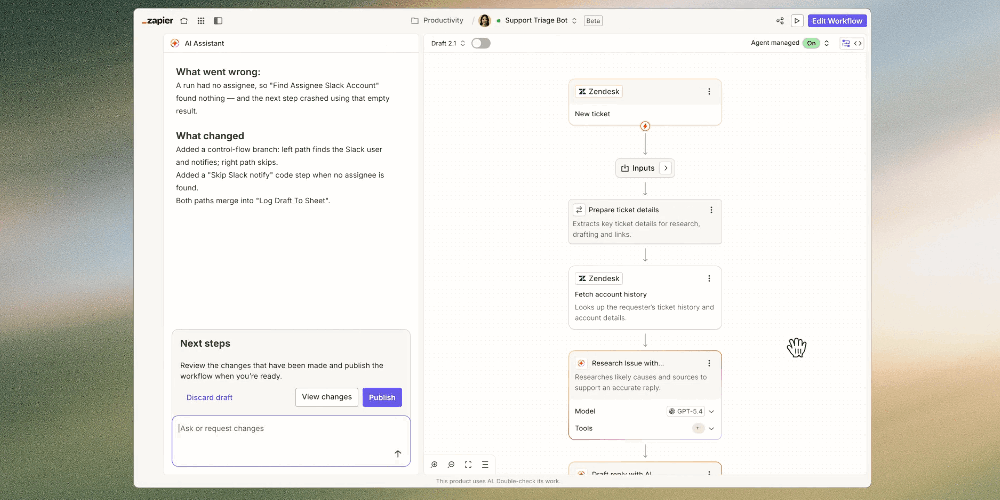
Zapier is built for quick, no-code automation between SaaS apps. Its biggest advantage is accessibility: You can set up straightforward workflows without writing code or managing infrastructure. That makes it a good fit for teams automating routine tasks between common business tools, though technical teams may find it limiting when workflows call for more custom logic or infrastructure control.
Microsoft Power Automate
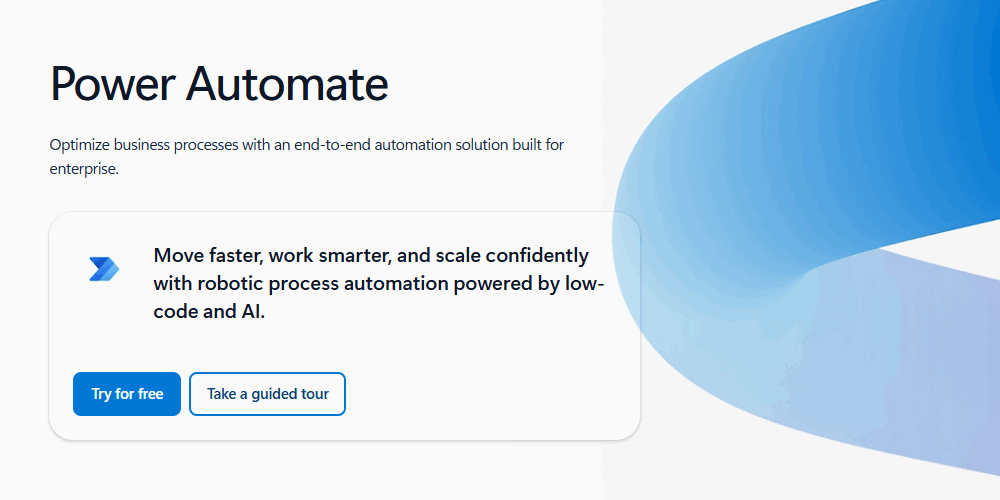
Power Automate makes the most sense for organizations already deep in the Microsoft ecosystem. It connects closely with tools like Microsoft 365 and Dynamics 365, making it easier to automate processes that already live there. But for IT teams working across a more varied stack, that Microsoft-first approach may be less compelling than a more vendor-neutral orchestration platform.
Infrastructure and configuration management
Ansible
Ansible tackles a different layer of IT automation: infrastructure and configuration. Teams use this open-source tool to provision systems, manage configurations, deploy applications, and keep infrastructure in a consistent state.
Its playbook-based approach is especially useful when you want infrastructure changes to be repeatable and version-controlled. But Ansible won’t orchestrate everyday workflows across SaaS apps and business systems. You might use Ansible to configure infrastructure and a workflow orchestrator to trigger or coordinate that work as part of a larger process.
Endpoint and RMM
NinjaOne
NinjaOne focuses on the devices IT teams have to manage every day. It brings endpoint monitoring and management into one place, with capabilities for tasks like patching, software deployment, and remote management.
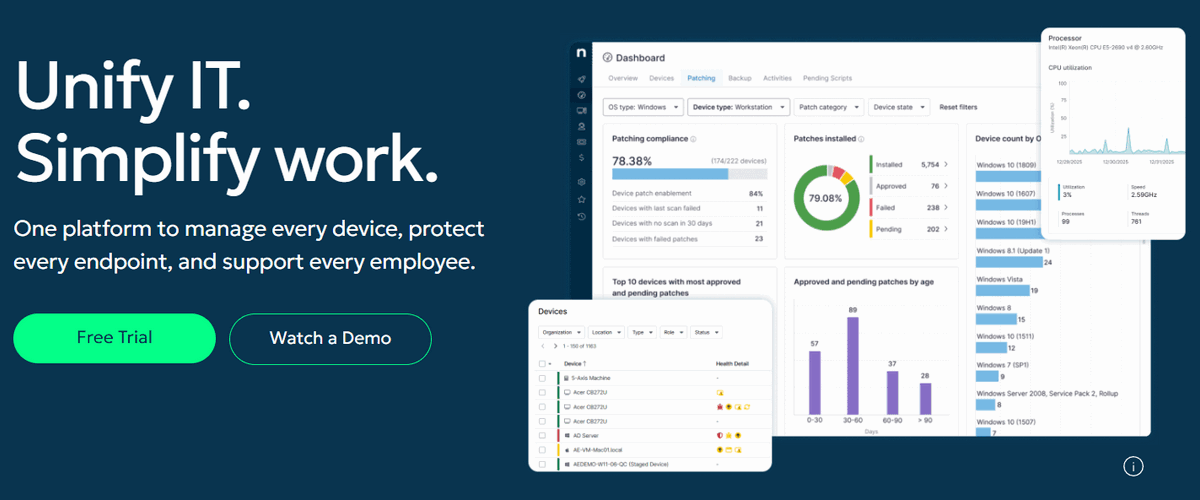
That makes it a natural fit when your automation problem starts with laptops, workstations, or servers instead of APIs and cross-app workflows. If endpoint health and maintenance are the priority, an RMM platform like NinjaOne is a better fit than a general workflow automation tool.
IT service management
ServiceNow
ServiceNow is an ITSM. It’s designed around structured IT service processes, including incidents, requests, approvals, and other work that moves through the service desk.
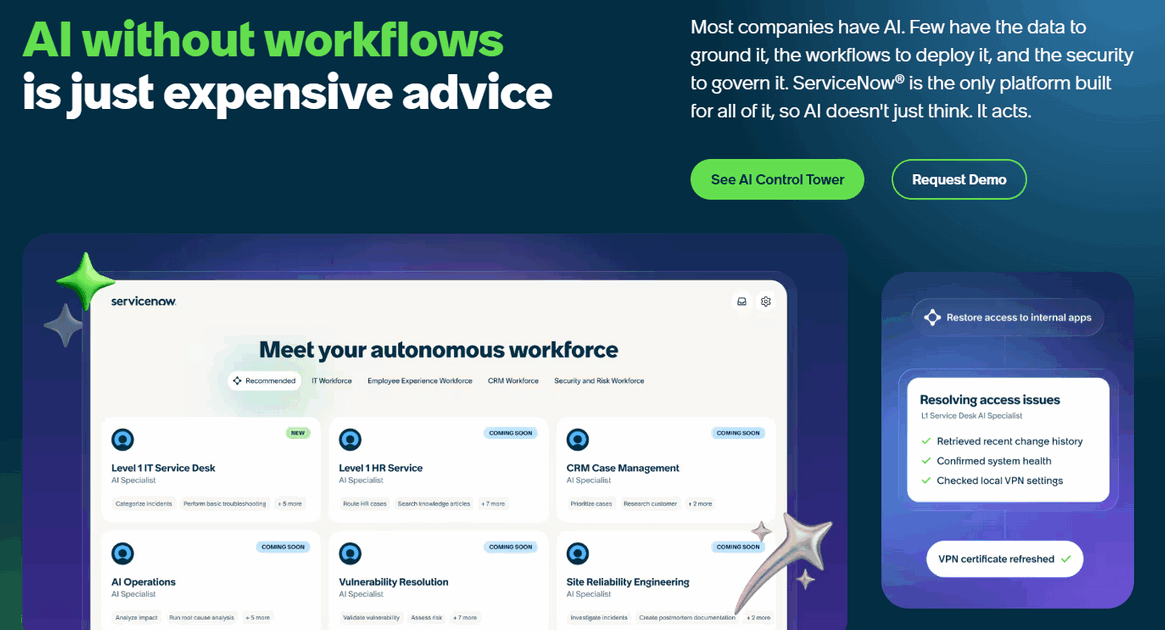
For large organizations with mature ITSM processes, that breadth is a strength. But it may be too much power if you’re just looking for a general workflow orchestrator or configuration management tool. ServiceNow is most relevant when the process you need to automate lives inside IT service delivery.
How to choose the right IT automation solution
There’s no reason to pay for capabilities you won’t use or force a tool into a job it wasn’t built to do. The right IT automation platform should fit the work your team needs to automate now while giving you enough room to adapt as your stack and requirements change.
Start with the job
Start with the part of IT you need to automate. If you’re provisioning infrastructure or managing configurations, look at configuration management tools. If the work centers on devices, patching, and remote support, RMM is the better fit. ITSM tools make sense for service workflows, while workflow orchestration is built for processes that need to move across apps, APIs, and internal systems.
Other automation tools may sit alongside these categories. CI/CD tools like GitHub Actions focus on software delivery, while test automation tools handle tasks like validating code and applications. They’re part of the broader IT automation landscape but solve more specific problems than the platforms covered here.
Before you start comparing products, map out the processes you want to automate and the systems involved. You’ll have a much easier time narrowing down your options than you would by comparing feature lists across tools built for completely different jobs.
Decide how much control you need
Deployment is another useful way to narrow down your options. A SaaS product can be simpler to get running, while self-hosting gives you more control over where your automations and data live. Which one makes sense will depend on your infrastructure, security requirements, and how much of the platform you want your team to manage.
Then look at what happens once more people start using it. SSO, RBAC, audit logs, and execution visibility become important when automations touch critical systems or span multiple teams. The right IT automation solution should give you enough control to manage that growth without making routine automation harder than it needs to be.
Plan for what comes next
The systems you need to connect today probably won’t be the same ones you’re working with a year from now. Look for a tool that can go beyond its built-in integrations, whether that means calling APIs directly, adding custom code, or working with new AI models and tools.
If AI agents are part of your plans, consider how you’ll connect them to the rest of your stack while keeping their actions visible and controlled. It’s also worth considering whether you need a dedicated AI agent framework or a platform that can orchestrate agents alongside the rest of your workflows. As those use cases get more complex, you can also coordinate multiple specialized agents in a multi-agent system.
The right IT automation starts with the right tools
There’s no single tool that covers every kind of IT automation. Ansible, NinjaOne, ServiceNow, and workflow platforms solve different problems. And many IT teams will end up using more than one: a configuration tool for infrastructure, RMM for endpoints, ITSM for service delivery, and an orchestration platform to connect work across systems.
For teams that need to connect those tools and automate work between them, n8n can take on the orchestration layer. You can build workflows visually, extend them with code and APIs, add AI where it’s helpful, and choose whether to run n8n in the cloud or on your own infrastructure.
Connect your whole IT stack in one place. Start with n8n Cloud or self-host the free Community Edition for full data control today.