
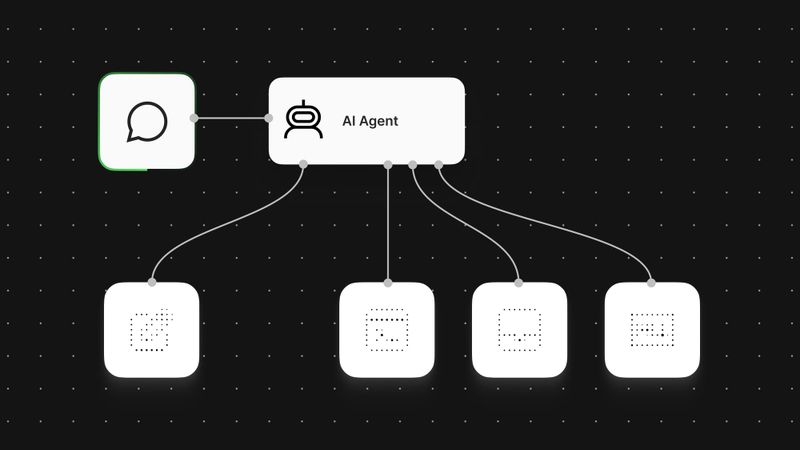
The team just rolled out a fresh batch of MCP servers you can add straight from the Node panel. New additions like Airtable, Grafana, Miro, New Relic, Jotform, and PandaDoc are joining the ones you could already connect to, like Notion, Stripe, GitLab, Apify, Linear, monday.com, and Hugging Face. Connecting to 70 services (and counting) is now a quick OAuth flow.
If you already use any of these day to day, the unlock is pretty immediate. Take Notion, for example. I use it frequently in workflows, but getting it properly wired up to an Agent used to mean reaching out to an admin for the right permissions, creating an internal integration and sharing pages with it, and configuring multiple Notion tools with different operations. Now it's just an OAuth click and an agent can pull meeting notes for context, draft a page from the conversation, and update a database when something happens elsewhere.
All of these MCP server connections are similarly simple to set up. Additional connections are on the way, starting with more of the most-used MCP servers that have OAuth and Dynamic Client Registration (DCR). If you need one that’s not yet listed, the MCP Client Tool lets you point at any MCP endpoint with a bit more setup.
When to reach for a node, an agent tool, or an MCP server?
Native nodes are the right call for deterministic workflows. If you know the exact API call you need at a specific step, or you're building something that has to behave the same way every time, a node gives you fine-grained control over inputs, outputs, and error handling. Use nodes wherever the logic doesn't need a decision made.
Example: You want every new customer to get a welcome page in your team wiki. The Notion node creates that page in the same database, with the same fields, every single time. No judgment call needed, so a node is all you need.
When you add a node to your AI Agent as a tool, the agent chooses when to call it, but you still define the exact action ahead of time. Because the tool is fixed and well-defined, the agent needs less reasoning to use it correctly, which often means fewer LLM calls than if it had to work out what to do with a broader toolset.
Example: Your support agent has a "Log escalation" Notion tool. It's one specific action, pointed at one specific database. The agent decides when an issue needs escalating, but it can't do anything with Notion beyond that one job.
MCP servers shine when you’re letting an agent decide what to do. Connect once, and the agent gets a whole toolset it can pick from as needed. You can still toggle individual tools on or off, so you decide what's exposed, but the agent decides which to use, when, and how. That flexibility comes with more reasoning on the agent's side.
Example: Connect the Notion MCP server and your agent can search pages, pull meeting notes, create a draft, or update a database entry, whichever fits the request it gets. You didn't build a tool for each of those; they came with the connection.
You don’t have to pick just one
None of these replace the others. Nodes give you precision as a workflow step, agent tools give the agent limited discretion over fixed actions, and MCP servers give it a broader surface to reason over. Depending on the goal, a workflow could end up mixing all three.