Viraj led Customer Success at n8n where he helped enterprise customers in telecoms, government, finance and other industries adopt n8n and roll it out successfully across key departments. He spent a lot of time working with Cybersecurity leaders and draws on this experience below.
Dmitry is a Security Automation and Detection Engineer with a background in detection engineering, SecOps automation and cloud security. He has spent several years on the blue team side of the stack building and reviewing security tooling across cloud environments and draws on this experience as co-author.
Incident response teams are dealing with a set of problems that rarely announce themselves. They build up in the background until they show up where it hurts:
- a climbing mean time to resolution (MTTR)
- an increased dollar cost from attacks that should have been shut down seconds after detection.
- burned-out analysts head for the exit - high employee turnover
This post introduces an automation framework built to address these challenges, while offering risk-conscious Cybersecurity Engineering Managers a way to leverage AI in their automation workflows. Something which from our experience, many managers have been rightly cautious about doing.
We built it around three aspirations we kept running into across the SOCs we worked with:
1. Reduce the time to capture and reuse what worked last time.
Right now, when an incident gets resolved, the reasoning behind the fix is rarely captured in a way that helps with the next one. Post-mortems get written but almost never read when a similar incident lands months later. And with analyst turnover at 10–25% in half of SOCs (1), that knowledge walks out the door when people do. The framework uses Retrieval Augmented Generation (RAG) pipelines to capture that reasoning automatically and put it back in front of analysts at the moment they need it, with no extra effort on their part.
2. Give analysts back their attention for the work that actually needs human creativity.
Grinding through an admin checklist during a live incident is exactly the wrong time to be doing it. By taking rote work off the analyst’s plate — Slack-thread hunting, digging through old resolution notes — the framework frees up the headspace for the judgment calls only a person can make.
3. Make AI safe to actually use in real SOC workflows. The interest is obvious — surveys keep reporting that 50–90% of organizations are "exploring" or "planning” AI use in the SOC (2). The hard part is turning that into something teams trust during a live incident, which usually comes down to a few worries:
- mislabeling a real threat as a false positive is a costly mistake
- AI without clear boundaries can waste time or steer analysts the wrong way
- ticket data is often too sensitive to send through a third-party cloud
None of these are purely technical problems, but part of the fix is. The repository below is built around that: automate the repetitive, non-creative work, keep useful context close to the analyst, and let teams dial AI up or down based on their risk tolerance and where they want humans in the loop.
- Use this front-end to generate and send a test incident payload (OpenRouter key required)
- Set up the workflow found on Github on your own n8n environment.
- Getting in touch with us here for a personalized demo.
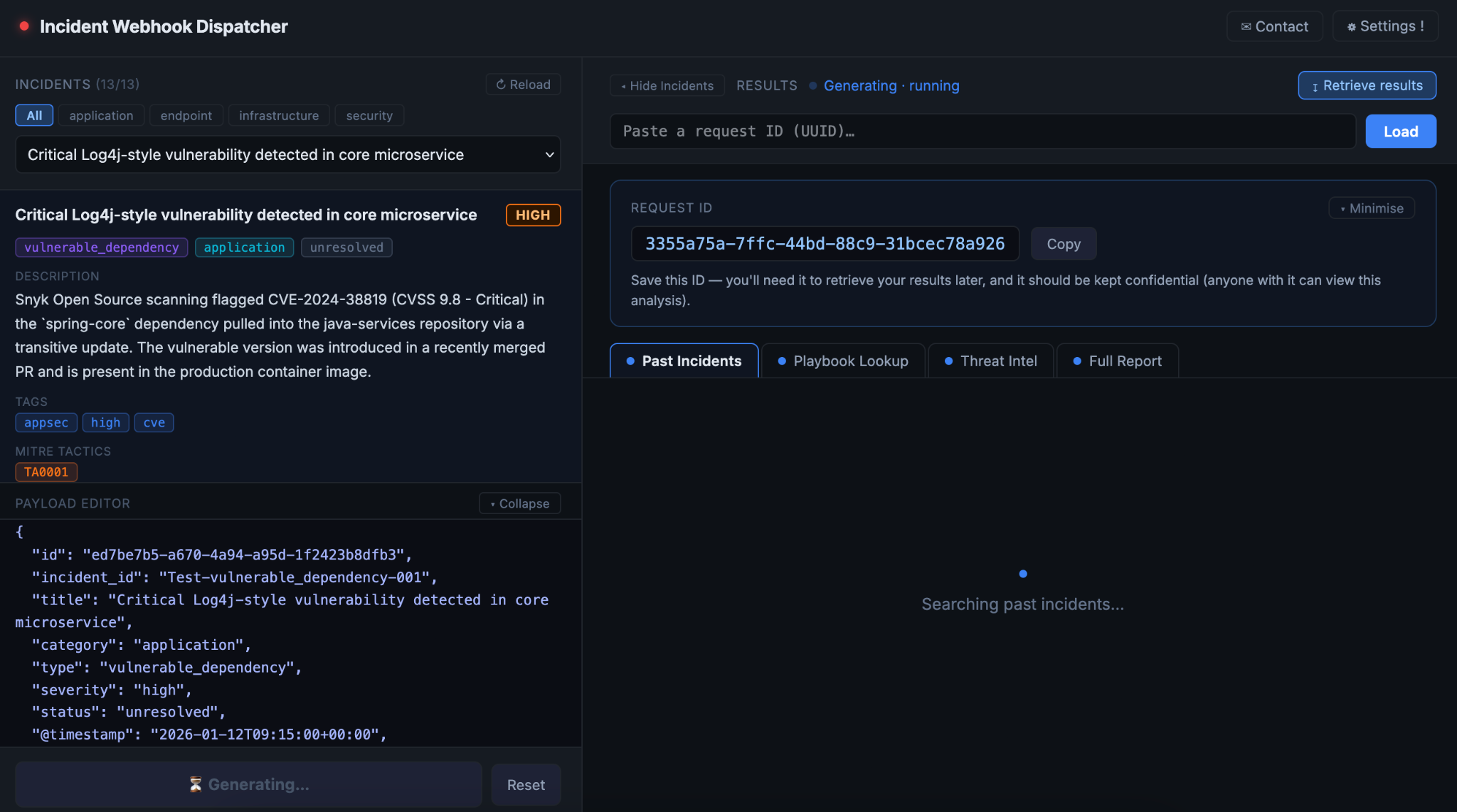
What the workflow does
The workflow receives a JSON payload at a webhook address created in n8n. This format is typical of an incident or ticket from your SIEM (e.g. Elastic) or ticketing tool (e.g. Jira).
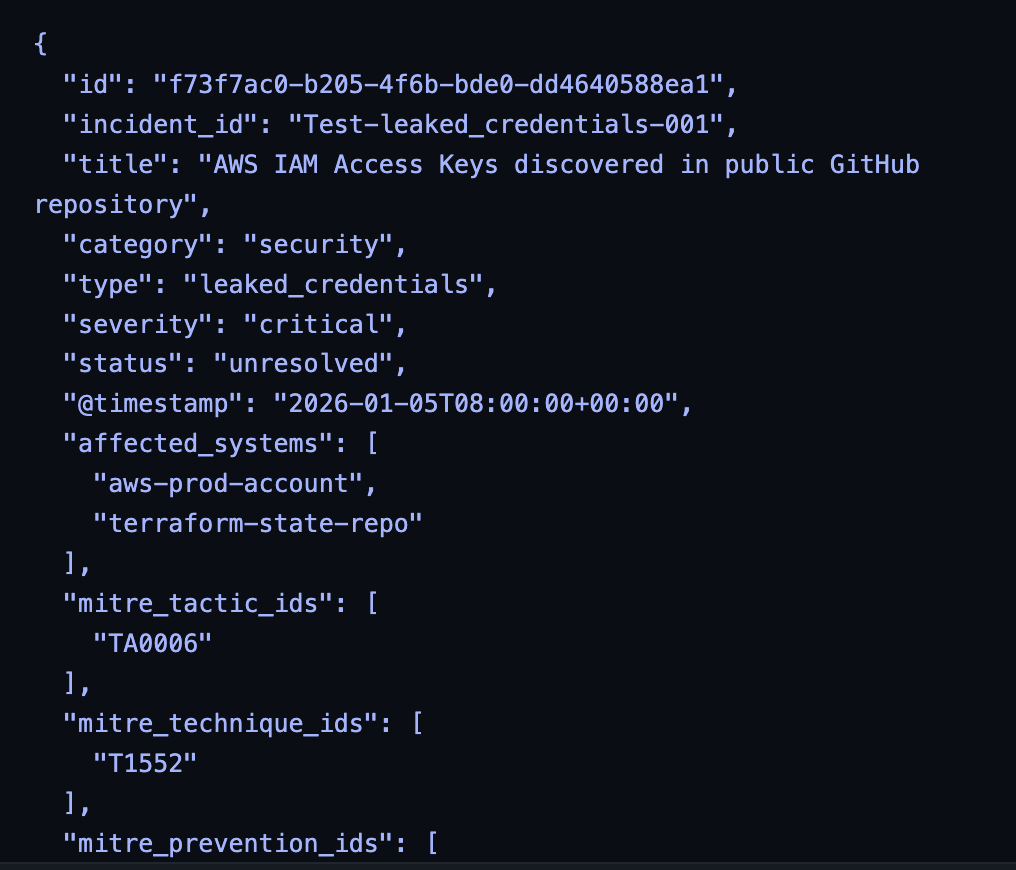
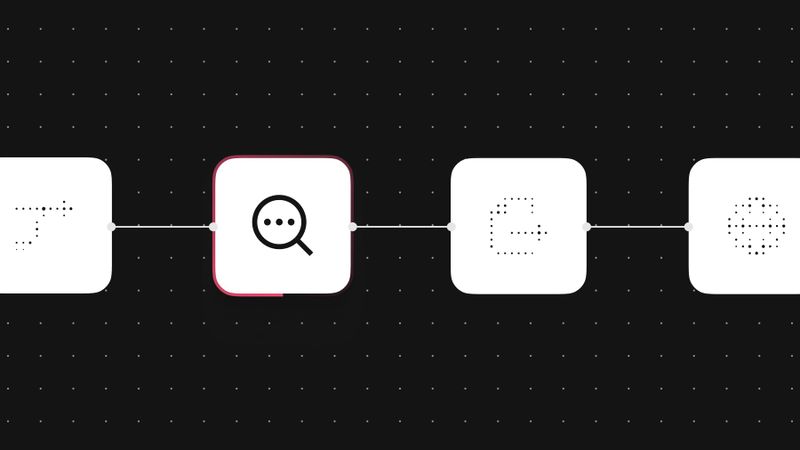
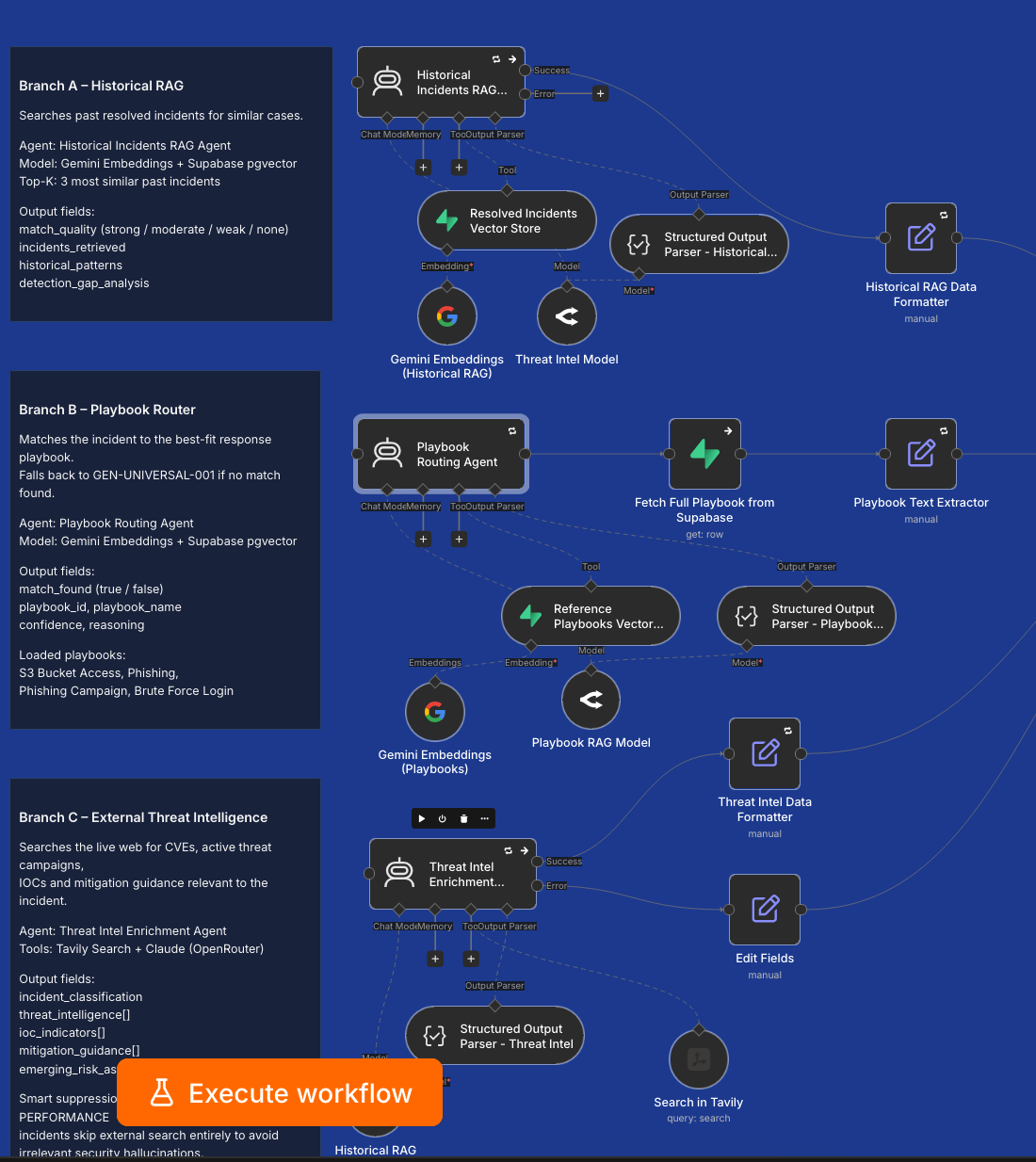
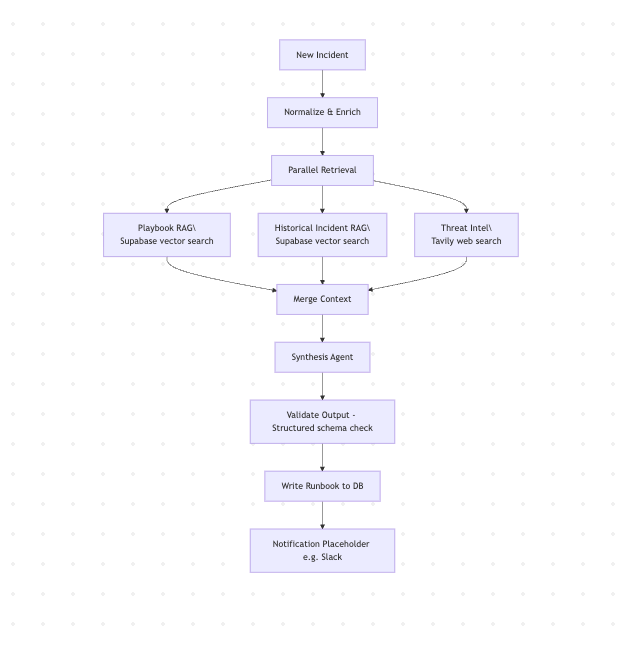
The payload is ingested and triggers three parallel retrievals: the closest matching reference playbook, similar resolved incidents from your historical record, and current threat intelligence from the web.
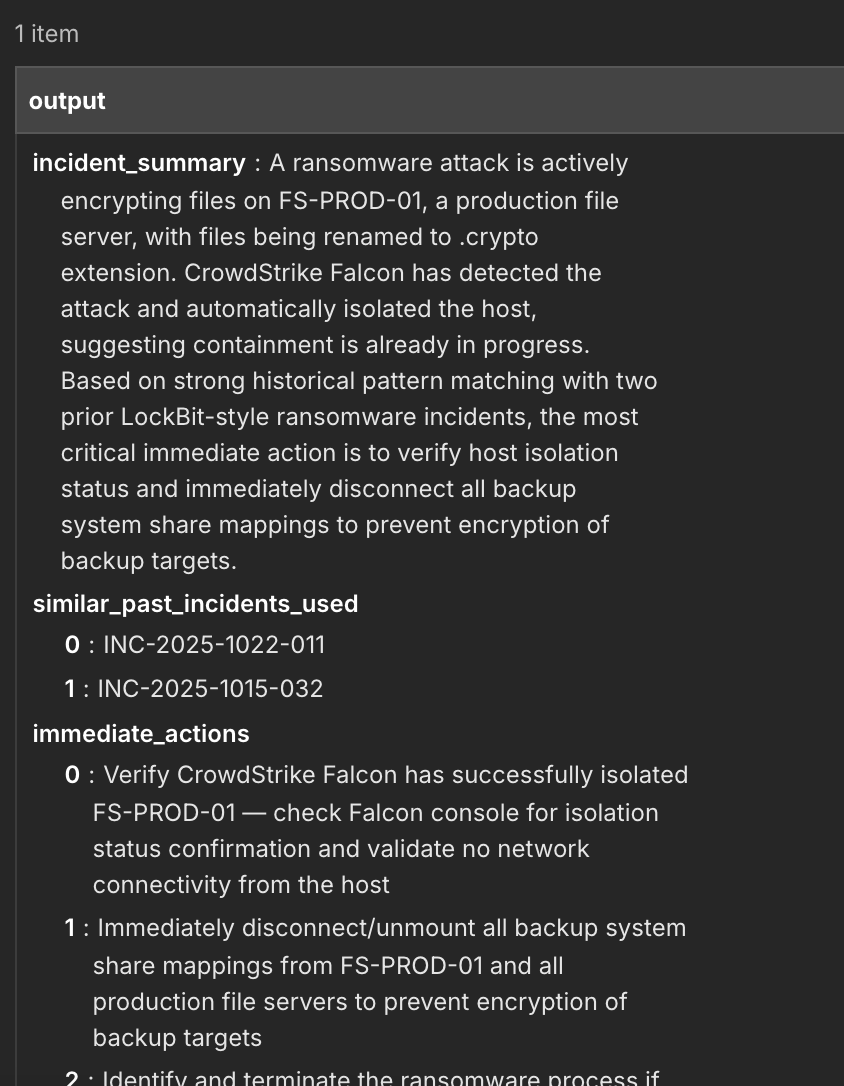
A synthesis agent combines all three and produces a structured runbook: immediate actions, containment steps, IOCs, assumptions stated explicitly, confidence levels where certainty is low.
The principle is reuse, not re-invention, each time and resolve repeated incidents faster. You're asking the LLM to organize what your team already knows, not to generate a response plan from general training data.
Underpinning this is a RAG pipeline, also built using n8n that chunks your playbooks and past incidents and stores them in a Supabase vector database ready for the main work flow. Instructions are provided to continuously integrate new resolved tickets or playbooks into this vector database.
Architecture walk-through
Let’s look at each of the retrieval lanes more closely:
- Playbook retrieval. Reference playbooks are chunked and stored in Supabase. A new incident runs semantic similarity search against the playbook library. Top match retrieved. If match quality is low, that gets flagged — the agent doesn’t silently proceed as if it found a strong match.
- Threat intel enrichment. For demo purposes this is a web search via Tavily based on the alert type, associated TTPs, recent advisories. In production, you would plug in your production TIP or a combination of threat intel tools.
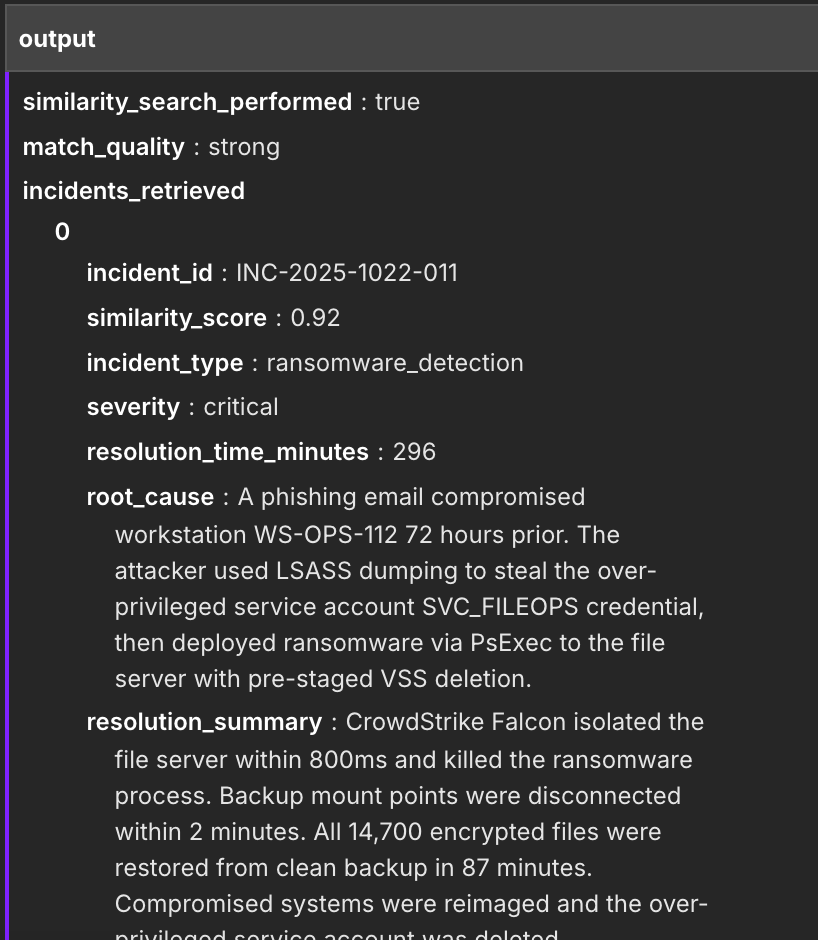
Historical incident retrieval. Resolved incidents go through the same vector pipeline. Same database, different table. Similarity search pulls the most relevant past cases with full context: what happened, how it was contained, what worked, what took longer than expected.
Results from all three lanes merge into a single synthesis agent. The synthesis agent takes that block plus the original incident data and produces the runbook.
The stack:
- Supabase: vector store and relational store. One database handles both.
- Gemini embeddings: ingestion pipeline and retrieval. This can be swapped out for the embeddings model of your choice using a simple node change in n8n.
- OpenRouter: LLM routing. Default model is Claude Opus 4.5.
- Tavily: web search for the threat intel lane.
- n8n: orchestration.
The LLM is plug-and-play. When a stronger model ships, you change one config value and the rest of the workflow stays untouched. For teams that can't send incident data to a cloud AI vendor — which is a real constraint in a lot of enterprise environments — any OpenAI-compatible endpoint works as a drop-in, including Ollama or vLLM for fully local inference. The workflow doesn't care where the model lives.
The ingestion pipeline is separate from the runtime workflow. You run ingestion once to populate the vector tables — playbooks, resolved incidents, test incidents and only when you want to add new chunks to the database in the future. The runtime workflow never touches it.
The workflow produces two outputs simultaneously. If you have a desired output format, you can remove one to save LLM output token costs.
- Structured JSON — a validated schema with discrete fields: incident summary, immediate actions, containment guidance, extracted IOCs, assumptions and confidence levels. Each field is addressable downstream. Pipe it into a ticketing system to pre-populate fields, feed it to a SIEM rule, or trigger a downstream n8n workflow without parsing free text.
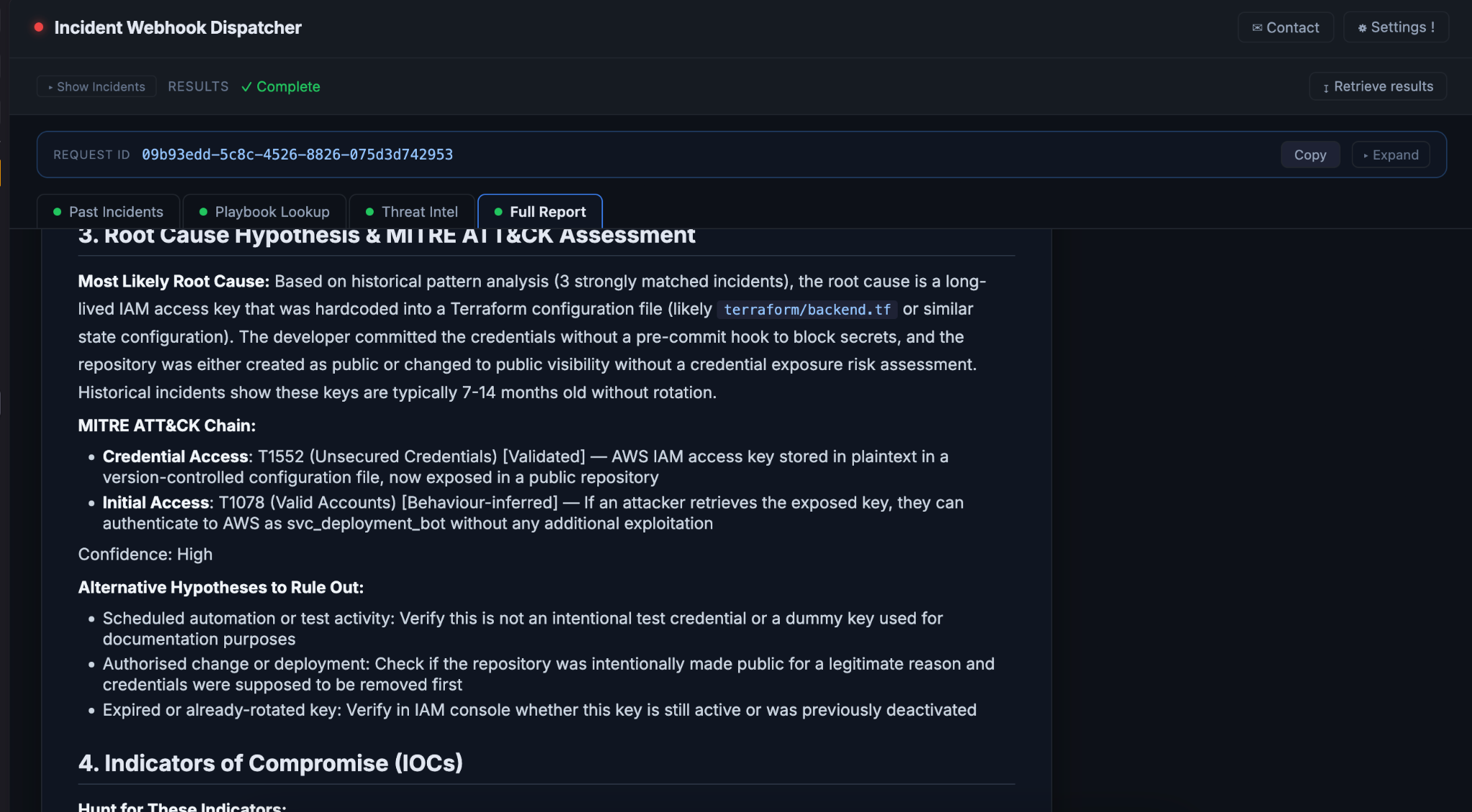
- Markdown runbook — the same content as a formatted document. This is what posts to Slack, what goes into a war room doc, what a human reads during the incident. Source labels are inline so attribution is visible without opening the JSON.
Both come from the same synthesis run. The JSON is the authoritative output; the markdown is generated from it. If you only need the human-readable version, ignore the JSON. If you're building an integration, parse the structured fields and ignore the markdown.
Pre-requisites
Before running the workflow on real data, three things need to be in reasonable shape.
Reference playbooks. At minimum for the highest volume incidents your organization faces. They don't need to be long — a playbook covering detection criteria, initial triage steps, containment options, and known false positive patterns is enough. Retrieval quality scales with specificity. A generic "malware response" playbook returns generic guidance. A playbook written for your EDR's ransomware detections returns something usable.
Resolved incident history. The historical retrieval lane needs records with actual content in the remediation and lessons-learned fields. Templated entries add noise. Records that document what specifically happened, which systems were involved, and what actually resolved it are what improve output quality. The workflow gets more useful over time as the history grows.
MITRE ATT&CK mappings on your tickets. Not strictly required, but the ingestion pipeline uses tactic and technique fields for retrieval enrichment. There's already a companion n8n MITRE Mapping workflow that can do that for you.
Some teams run their SIEM's AI grouping first — combining related alerts into a single enriched ticket — and pass that composite incident in. That's a supported pattern and produces better retrieval results than raw single-alert inputs.
One of the desirable side effects of implementing this harness is that it will guide you through levelling up your organization’s security posture.
Traceability & finer details
The synthesizer prompt enforces explicit source attribution. Every recommendation in the runbook carries a label:
- (Source: Playbook) — from the matched reference playbook
- (Source: Internal precedent — [incident ID]) — from a specific historical incident
- (Source: External intel) — grounded in Tavily retrieval
- [General knowledge — not sourced from inputs] — no organizational or external source exists
The fourth might merit explanation. The agent isn’t instructed to suppress general knowledge that would make the output less useful. It’s instructed to label it honestly. The reader knows what’s organizational precedent and what the model filled in.
There’s also explicit no-match handling. If no historical incidents match closely enough, the runbook says so. It doesn’t produce high-confidence guidance from a blank slate and omit that fact.
Before the database write, output goes through structured schema validation. Required keys must be present and non-null. Schema fails → error notification. No silent write of malformed runbooks.
Try it yourself
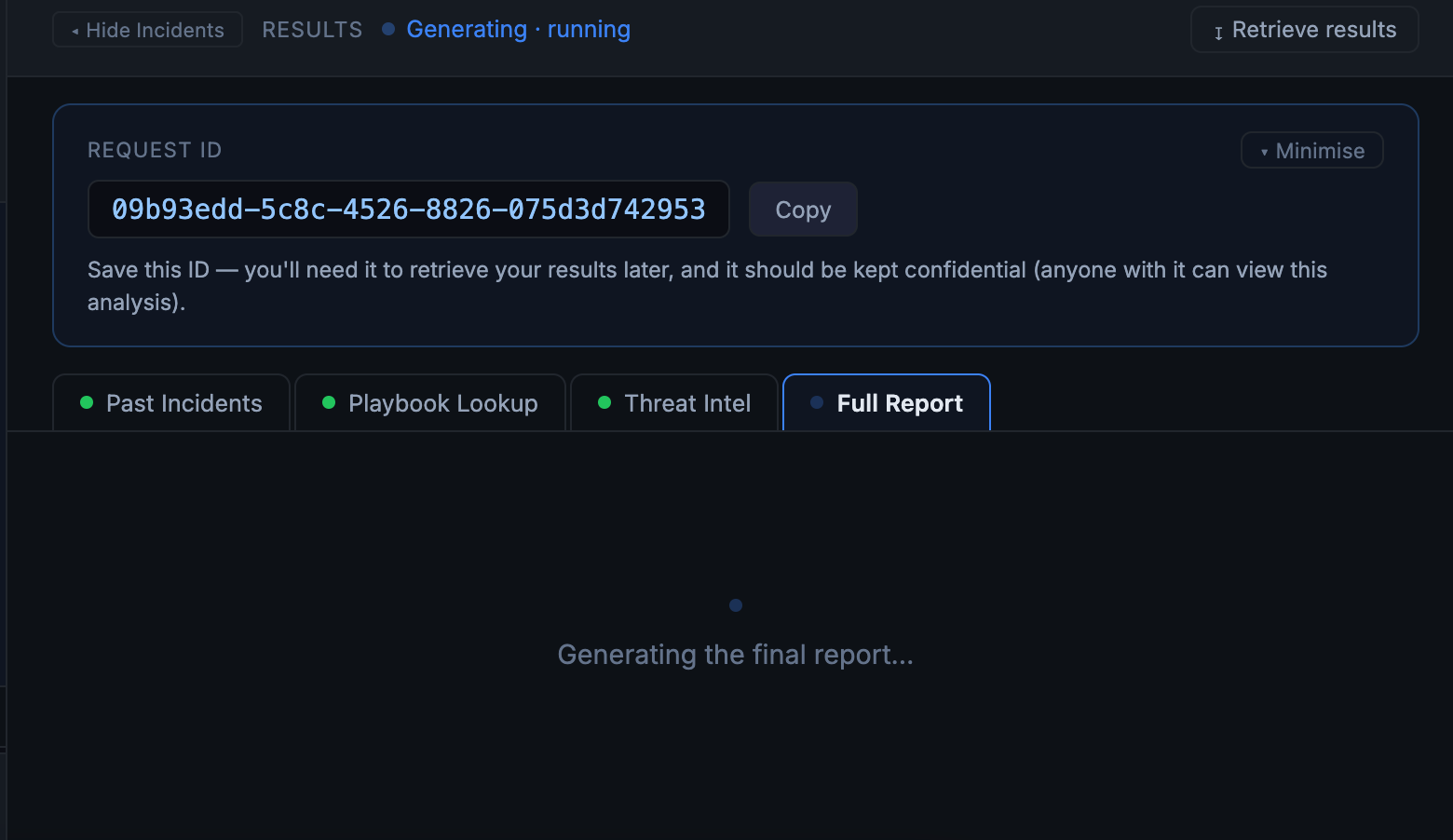
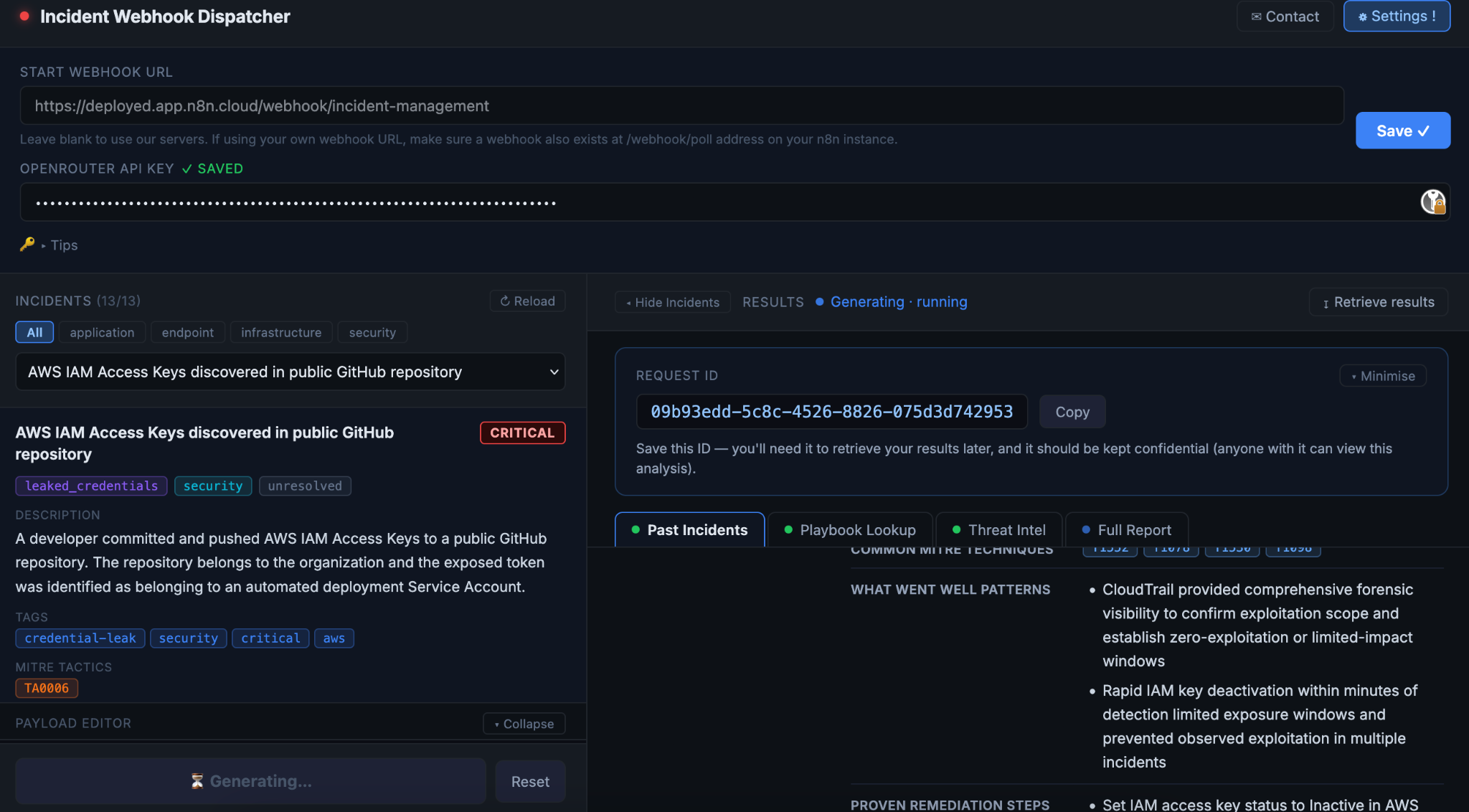
The easiest way to test this is using the UI we have built: https://incident-response.deployed.engineer. This allows you to fire JSON payloads at the workflow (which we have hosted on n8n cloud). There is a LLM cost per request so we ask that you get a key from OpenRouter which is used for the LLM calls. Each run will cost a dollar or two.
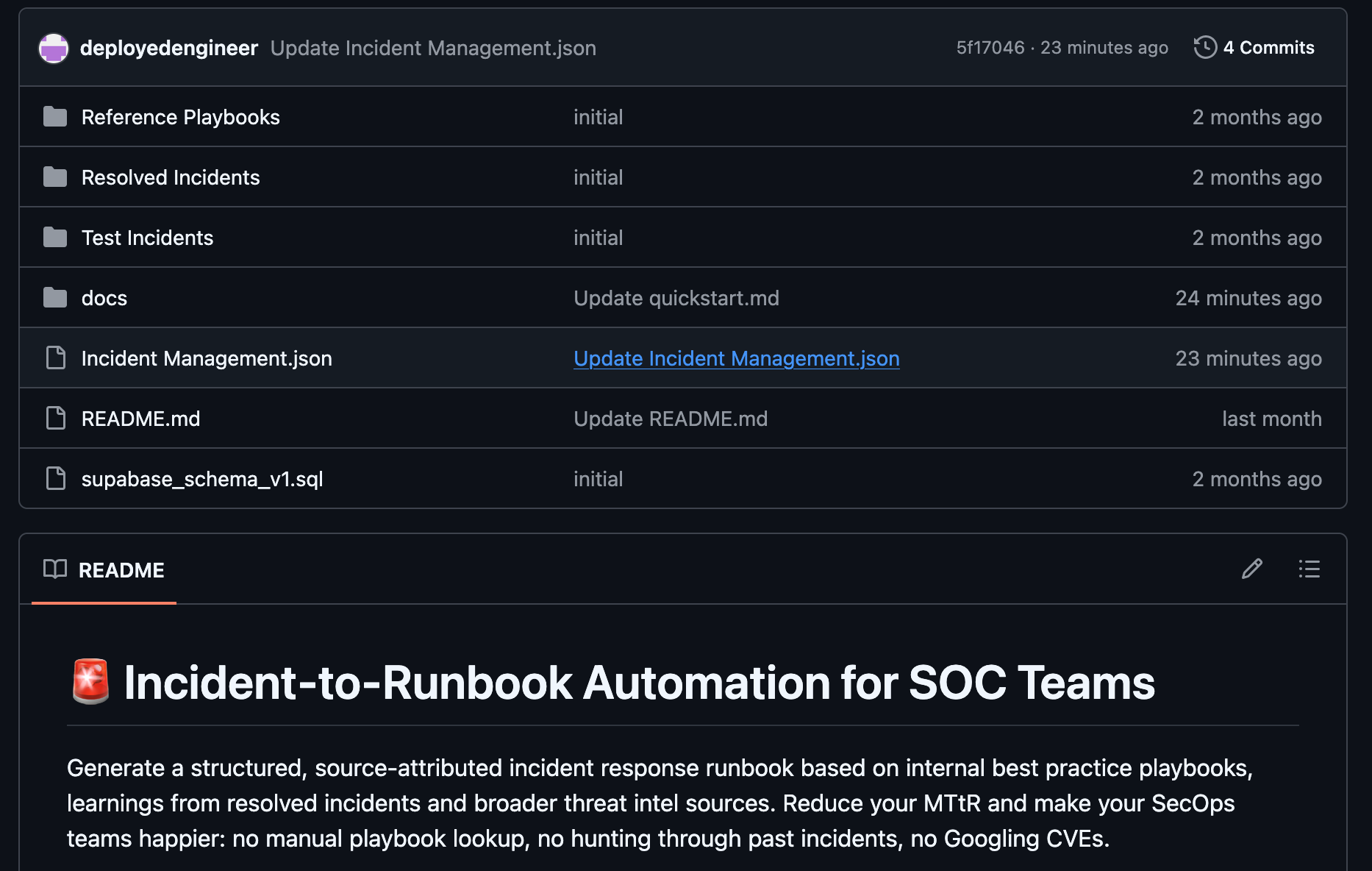
The workflow is available as a template on n8n to set up on your own instance. You will need four credentials: Supabase, Google AI Studio (for Gemini embeddings) or similar, OpenRouter or similar, and optionally, Tavily. All have free tiers. Detailed documentation is available on Github.
Setup takes about 30 minutes with our demo data, most of which is waiting for ingestion. 13 test incidents are included in the sample data covering ransomware, phishing, brute-force, S3 misconfiguration, and insider threat. Test-ransomware_detection-001 is the best starting point it has a strong playbook match, strong historical match, and produces a well-labeled runbook you can inspect end-to-end.
→ Import the workflow template
What’s next
The framework presented today has been built to enable SMB and enterprise SOCs to quickly address their most pressing priorities for levelling up automation. But we expect that this is just the beginning. With the help of contributors like you and real world testing, this is how we believe the framework will evolve:
Autonomous enrichment. Low-risk enrichment and notification workflows the agent can run . Examples would be sending an email to a user’s manager when a supicious login location is detected or executing a VirusTotal hash lookup. Low-risk enrichment runs automatically using n8n’s ‘From AI’ function. The enrichment workflows remain deterministic in nature, only the decision on whether to call them and what (locked-down) parameters to pass to the workflow is taken by the agent
Remediation & notification workflows - human or AI triggered. On the other hand, anything with real-world consequences requires human approval. Discrete sub-workflows — isolate-endpoint, block-ip-on-firewall — triggered from a webhook link in the runbook's Immediate Response Checklist. Analyst reviews, clicks if they agree, n8n executes. Strict human boundary, faster remediation with a deterministic workflow.
The core framework is ready for you to try:
- Here for a quick demo using the UI
- On Github with detailed instructions for implementation in your environment
We’re welcome to contributions, discussions and feedback using Github issues here. For a white-glove treatment, if you are a Cybersecurity Analyst or Manager, you can get in touch here.
References: (1) https://www.msspalert.com/news/criticalstart-findings
(2) https://cyberfuturists.com/when-marketing-fails